Flatten, clean, then fit
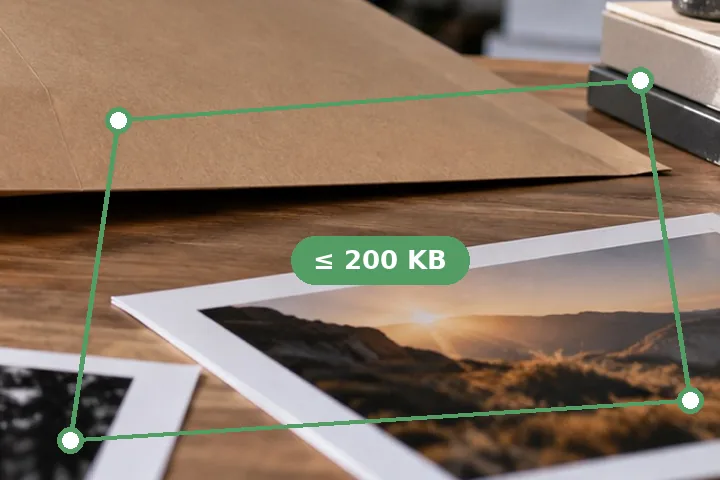
- 1Open the photo. The page is found and its four corners marked.
- 2Correct the corners if needed — by pointer, or by keyboard.
- 3Choose clean colour, greyscale, or black-and-white text, and how hard the paper is whitened.
- 4Type the cap. The page is searched at full working resolution first, and shrunk only as far as the cap needs — not past 150 DPI at A4 unless you allow it.
- 5Download JPG, PNG or a one-page PDF.
The perspective is undone with a homography — the page's four corners mapped back to a rectangle — and the paper is estimated region by region, so a shadow across one corner is lifted without bleaching the ink.
- Nothing is recognised or read: no OCR, no model.
- The cleaned page is the picture that is measured and downloaded.
- A colour photo inside the document survives clean colour; greyscale and black-and-white flatten it.
It cannot restore what the camera missed.
A blurred, glared or cut-off photo stays blurred, glared or cut off. Retake it in daylight, flat, with all four corners in the frame, before spending bytes on it.
Questions people arrive with
How is this different from compressing the photo?
A photo of a document is mostly desk, shadow and grey paper, and all of it costs bytes. Here the page is cut out and flattened first, the paper evened out to white, and only then compressed — so the bytes go on the writing, and the same cap buys a much more legible file.
What does legibility first mean?
The page is kept at up to 300 DPI-at-A4 and only made smaller when the cap needs it, never below 150 DPI at A4 (1240 × 1754 pixels) unless you allow it. If the cap needs less, the page says so and asks.
The corners are wrong. What do I do?
Drag the four handles onto the page's corners, or focus one with Tab and move it with the arrow keys (Shift for bigger steps). The finder is a classical brightness test, not a model, and a white page on a white table can fool it.
Which mode should I use?
Clean colour for anything with stamps, photos or coloured ink. Greyscale for a printed page — a one-channel JPEG, noticeably smaller. Black and white text for typed pages: as a two-colour PNG it is often a few kilobytes.
Can it make a PDF?
Yes: choose PDF and the cleaned page is placed on an A4 page, with the PDF's own bytes measured against the cap. For several pages in one PDF, use the picture-to-PDF page.
Elsewhere on this site
- JPG to PDF under a sizeSeveral pages in one PDF, under one cap.
- Resize signature in KBFor the signature field: ink isolated and cropped.
- Check image size in KBWhat the finished file is, read from its bytes.