One picture, the files a page actually needs
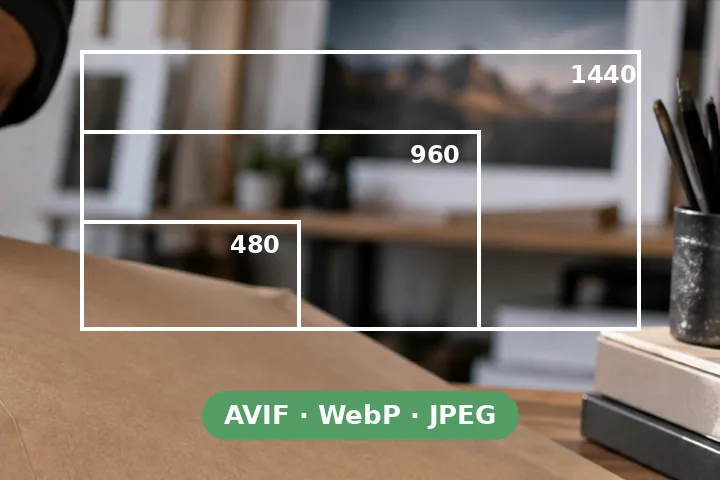
A web page should not send a 4,000-pixel photograph to a phone. The answer is a handful of files at fixed widths in modern formats, and markup that lets the browser pick. This page makes the files, names them {name}-{width}.{ext}, and writes the markup with the widths, heights and attributes already filled in.
- Widths 480, 960, 1440 and 1920 by default; add or remove any.
- AVIF through libavif, WebP through libwebp, JPEG through MozJPEG — all in a background worker on this device.
- width and height on the <img>, so the page does not jump while it loads; loading="lazy" and decoding="async".
- One stored ZIP with every file and the snippets.
It does not know your layout.
The sizes attribute is a guess until you edit it to the width your page draws the picture at. Hero images above the fold should drop loading="lazy".
Questions people arrive with
Why several widths and formats?
A phone downloads a 480-pixel file and a desktop a 1440-pixel one; a browser that reads AVIF takes the AVIF and one that does not falls back to WebP or JPEG. The <picture> element lets the browser choose, so nobody downloads more than their screen needs.
What goes in sizes?
How wide the picture is drawn on your page, in CSS terms. "(max-width: 960px) 100vw, 960px" means full width on narrow screens and 960 pixels wide otherwise. The browser uses it with the srcset widths to pick a file; edit it to match your layout before you copy the snippet.
Why is a width missing?
Because it is wider than the picture. Making it would only enlarge the picture, which costs bytes and adds no detail, so it is left out and the table says why.
What quality should I use?
The defaults — AVIF 55, WebP 75, JPEG 78 — are a common starting point for photographs. Each format's scale is its own, so the numbers are not comparable across formats. Look at the files at full size and move them if you see artefacts.
Elsewhere on this site
- Compress WebPOne picture as WebP, with quality, bytes and an inspector at 400%.
- Reduce image resolutionOne picture to one size.
- Batch compress imagesA folder to one cap or quality, one ZIP.