Smaller without a single pixel changed
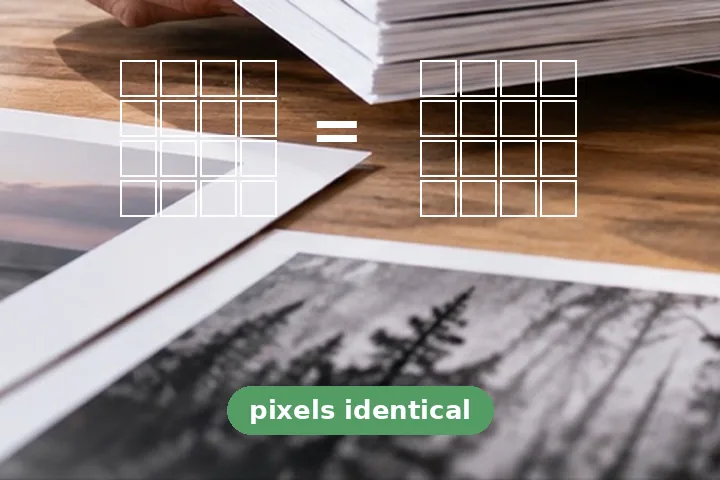
Most of a picture file is the picture, coded as tightly as the program that wrote it bothered to. Lossless optimisation recodes the same picture more tightly. Nothing is decided about what you can see: the decoded pixels before and after are the same numbers, and this page proves it on your file rather than promising it.
- PNG: OxiPNG tries the row filters and deflate settings a browser's PNG writer never spends the time on. Fast, Balanced and Thorough set how hard it looks.
- JPEG: the entropy-coded data is read symbol by symbol and written again with Huffman tables counted from this picture — the jpegtran -optimize step. No inverse DCT, no new quantisation.
- Metadata: EXIF, GPS, XMP, comments and text chunks are spliced out of the container. The orientation tag is written back on its own, so the picture stays upright.
- Lossless WebP, on request, for a PNG: the same pixels in a different container, verified the same way.
Progressive JPEGs and WebP are left as they are.
A progressive JPEG's Huffman tables are not rewritten here, and converting a baseline file to progressive is not offered; a WebP is only stripped of its metadata. Both are stated on the result rather than attempted badly.
Questions people arrive with
What exactly is verified?
The file you opened and the file you would download are both decoded in this browser, and every pixel's red, green, blue and alpha values are compared. Only when all of them match does the page print "Pixels identical: verified" and enable the download. Above 50 megapixels the comparison is not attempted and the label is withheld.
Why is the saving so small?
Because nothing is thrown away. A PNG is repacked with harder filter and deflate searches, a JPEG gets Huffman tables built for its own picture, and metadata is removed. Most files come out a few percent smaller; one that was already optimised may not shrink at all, and the page says so rather than handing you a copy of the same size.
Does it keep my colour profile?
Yes. The ICC profile, gamma and colour chunks change how the picture is shown, so they stay. EXIF (with any GPS location), XMP, comments and text chunks are removed unless you untick that option.
Is a lossless WebP better than a PNG?
Often smaller, for screenshots and graphics, with exactly the same pixels — the page offers to make one and verifies it the same way. It is a different format, though: check that wherever the file is going accepts .webp before you switch.
Can a JPEG be made smaller without losing quality here?
Only by the Huffman step and metadata, which never touch the picture. A smaller JPEG beyond that needs a re-encode, which does lose some detail — that is what the compressor on the home page does, with the result measured and compared.
Elsewhere on this site
- Compress PNGWhen a palette of fewer colours is acceptable and the file has to get much smaller.
- Remove metadata from photoWhen the point is the EXIF and location, not the bytes.
- Compress pictureA real re-encode to a quality or a size, with the result measured and compared.