One budget, not one cap per photo
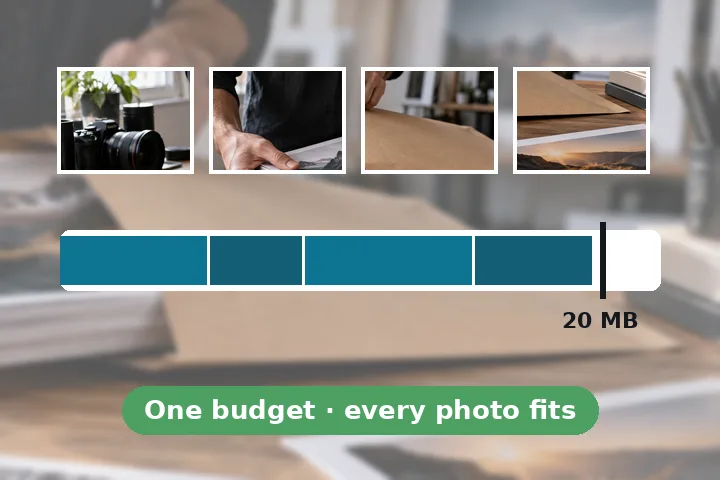
“Fit fourteen photos into one 20 MB email” is a single budget. Giving each photo the same cap wastes bytes on the easy ones and starves the detailed ones. This page encodes every photo at six quality settings, measures each result against the photo, and then takes away bytes one step at a time from whichever photo loses the least by it — until the set fits.
- Limits of 10, 20 or 25 MB, or any figure you type.
- Email's base64 overhead taken off the limit by default, with both numbers printed.
- JPEG quality 92 down to 42 (or a floor you set) through MozJPEG; PNG lossless down to 32 colours.
- A ruler with one segment per photo against the total, and each photo's setting, bytes and SSIM.
- Photos encoded several at a time in background workers on this device; one stored ZIP or single files.
It fits the files, not the mail service's rules.
Some services convert large attachments into links or count a message's total size including the text. This page makes the files fit the number you give it; it does not send anything, and it cannot see your mailbox.
Questions people arrive with
Why not just compress every photo to the same size?
Because photos are not equally hard to compress. A sunset sky shrinks to almost nothing at a good quality; a photo of leaves or a crowd needs many more bytes to look the same. This page measures each photo at several settings and spends the shared budget where it buys the most measured quality, so the easy photos give up bytes the hard ones need.
What does "account for email encoding" mean?
Email carries attachments as base64 text, which makes every file about a third larger on the way out. A 25 MB limit therefore fits roughly 18.75 MB of files. The switch is on by default and the page prints both numbers; turn it off only if your mail service counts the files' own size.
What limit does my email service have?
Many common services allow around 20 to 25 MB per message, and some corporate mail servers 10 MB or less — check your own service's help page, because limits differ and change. Pick the closest figure or type your own.
What if the photos still do not fit?
Then even the lowest quality you allowed is too big for that many pixels, and the page says so instead of going lower on its own. It offers a smaller long edge — 2048 or 1600 pixels is plenty for viewing on a screen — and measures again.
Is the location in my photos sent?
No. Every photo is re-encoded here and location, camera and other metadata are not carried into the new files. Your originals are not changed.
Elsewhere on this site
- Batch compress imagesA folder to one cap per file or one quality, one ZIP.
- Compress image to KBOne photo to an exact cap.
- JPG to PDF under a sizeSeveral pictures as one PDF under a cap.