Four ways up, cheapest first
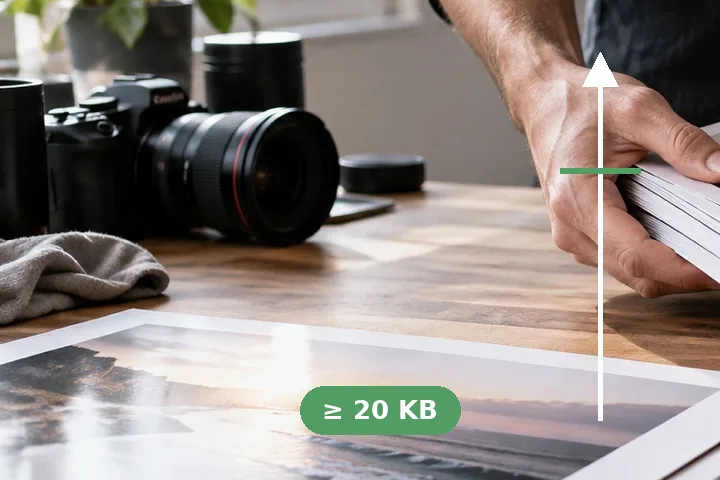
A file can only get bigger by carrying more: more detail kept from the original, more pixels, or bytes that are not picture at all. The steps are ordered by how little they change, and each is one click so nothing happens you did not ask for.
- Higher quality, same pixels: MozJPEG at the lowest quality that clears the floor — searched, not guessed.
- 4:4:4 chroma: colour at full resolution, a few more kilobytes on most photos.
- More pixels, up to the maximum you type: resampled, labelled “adds pixels, not detail”.
- A labelled filler block, JPEG or PNG: the picture byte-for-byte as it was, plus padding that says what it is.
It will not invent detail.
A 120 × 160 thumbnail stays a thumbnail whatever its size in KB. If the form's minimum is about recognisability, retake or rescan the photo instead.
Questions people arrive with
Why would a form reject a file for being too small?
Floors exist to catch unusable uploads: a thumbnail sent by mistake, a photo crushed until the face is unrecognisable. Some exam portals publish a photo minimum as well as a maximum — the sourced figures are on the upload-specs page.
What does each step do?
First, a higher JPEG quality at the same pixels — the smallest quality that clears the minimum. Then full-resolution colour (4:4:4). Then more pixels, up to the form's maximum width and height, which you have to ask for. Last, a labelled filler block: text inside the file that says it is padding, with no pixel touched.
Is a bigger file a better picture?
No. Quality and 4:4:4 keep a little more of what was there; more pixels are resampled and add no detail; filler adds nothing at all. The page says which one was used, so you know what you are uploading.
Will the portal accept a filler block?
It is a standard JPEG comment segment or PNG text chunk, which decoders skip, so the picture opens exactly as before. A portal that checks only the size will accept it; one that inspects the picture sees the same picture.
Elsewhere on this site
- Photo size in KB for formsA sourced spec sets the range, the pixels and the format together.
- Check image size in KBThe exact bytes on both kilobytes, before and after.
- Photo and signature size for Indian formsWhich forms publish a minimum, with sources.